| A | B |
|---|
Monitor, 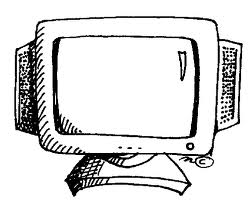 | The part of the computer that allows you to see what is typed. Looks like a TV screen., |
| Keyboard | The part of the computer that allows you to enter letters, numbers, and characters into the computer., 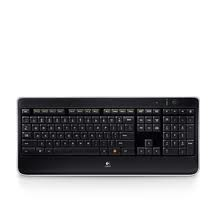 |
| Cursor or Insertion Point | The blinking symbol on the screen that shows where the next letter, number, or character will be seen. |
| CD-DVD | A compact disk or digital video drive. You are not always able to change and save the information once the disk is burned., 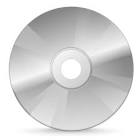 |
| Network | A group of computers that are linked and connected together., 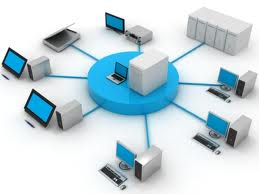 |
| USB/Flash Drive | The small place where files can be saved, changed, and used again. Must be ejected before removing the rectangle from the CPU., 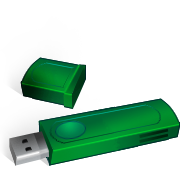 |
| Programs | Software on the computer. Example: Word, PowerPoint, Kidspiration. |
| Start Button | Located on the left side of the task bar. It opens the menu and programs. |
| Menu | The list of software or programs that your computer has for you to use. |
| Mouse | The device that allows you to move the cursor, click, and scroll.,  |
| Floppy Disk | The 3 1/2 inch place where files can be saved. The files can be changed and used again. It can be moved from one computer to another., 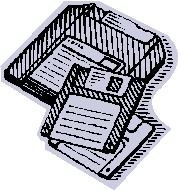 |
| Desktop | The blue screen with all the buttons on it. |
| Icons | The buttons that are on the blue screen. If you double click on one of these it will open a program. |
| Taskbar | The gray bar at the bottom of the desktop that shows the programs that are open. |
| Scroll Bar | The bar on the side or bottom of the screen that allows you to move up or down or from side to side. |
| CPU/Hard Drive | The brains of the computer, this is where things are saved when you save to the computer. It runs all the programs., 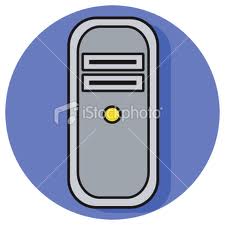 |



