| A | B |
|---|
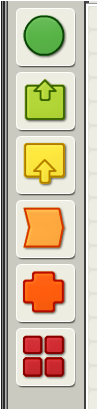
Contains all of the various programming blocks., 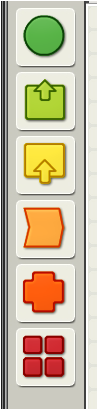 | Complete Palette |
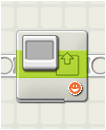
| Display Block | Use this block to display an image, write some text, or draw a shape on the NXT’s display screen. |
| Loop Block | Use this block to repeat sequences of code. |
| Motor Block | Use this block to set your robot to go forwards or backwards in a straight line or to turn by following a curve. |
| Record/Playback Block | To record an action, choose a name and the length of time you want to record. |
| Sound Block | Use this block to play a sound file or a single tone. |
| Switch Block | Use this block to choose between two sequences of code. |
| Wait Block | This block lets your robot sense its environment for a certain condition before it continues. |
 | |
 | |


