 |
Java Games: Flashcards, matching, concentration, and word search. |
 |
|
STUDY AID: Turtle Programming Commands using Code Studio / App Lab / Javascript
|
| A | B |
|---|
arcLeft(angle, radius),  | Moves the turtle forward and to the left in a smooth, circular arc. |
arcRight(angle, radius),  | Moves the turtle forward and to the right in a smooth, circular arc. |
dot(radius),  | Draws a dot centered at the turtle's location with the specified radius. |
getDirection(),  | Returns the current direction that the turtle is facing. 0 degrees is pointing up. |
getX(),  | Gets the current x coordinate in pixels of the turtle. |
getY(),  | Gets the current y coordinate in pixels of the turtle. |
hide(), 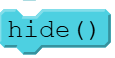 | Makes the turtle invisible at its current location. |
show(),  | Makes the turtle visible at its current location. |
moveBackward(pixels),  | Moves the turtle backward a given number of pixels from the current direction. |
moveForward(pixels),  | Moves the turtle forward a given number of pixels in the current direction. |
move(x,y),  | Moves the turtle by adding x pixels to the turtle's current x position and y pixels to the turtle's current y position. |
moveTo(x,y),  | Moves the turtle to a specific (x,y) position on the screen |
speed(value), 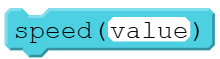 | Sets the speed for the app's execution, which includes the turtle's speed. |
penDown(), 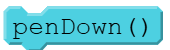 | Puts the pen down so the turtle draws a line behind it as it moves. |
penUp(),  | Picks the pen up so the turtle does not draw a line as it moves. |
penRGB(r,g,b) or penRGBA r,g,b,a),  | Using RGB / RGBA values, sets the color of the pen used by the turtle for drawing lines and dots. |
penWidth(width), 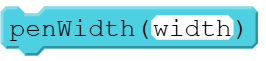 | Sets the width of the line in pixels that the turtle draws behind it as it moves. |
penColor(color), 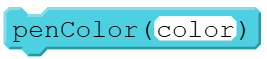 | Sets the color of the pen used by the turtle for drawing lines and dots. |
turnTo(angle), 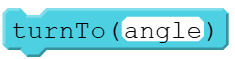 | Changes the turtle's direction to a specific angle. 0 is up, 90 is right, 180 is down, and 270 is left. |
turnRight(angle),  | Rotates the turtle right by the specified angle. The turtle’s position remains the same |
turnLeft(angle),  | Rotates the turtle left by the specified angle. The turtle’s position remains the same. |
|
|
| |
